What I built for this
Applied AI Community of Practice
I facilitate a forum where people bring the thing that didn’t work and leave with a pattern that does.
Current roleAI & Innovation Lead · Research and Design Services · Government Services
An employee of a large organisation has just been told to use AI. I have built something real at every stage of the Journey — including this map.
The user
A staff member at a large organisation, three weeks after the AI announcement
An all-staff email says AI is here. They open Copilot, type “help”, and get a paragraph of encouragement back.
It is fluent, confident and wrong. Now they don’t know what is safe to paste in, or who to ask without looking silly.
The help guides turn out to be disparate Word documents and Excel sheets. The newest is two years old. There are other versions, in other folders.
The old rulebooks quietly dissolve. Constraints are now only the boundaries of our own past beliefs.
The user becomes the creator, and the tool finally fits the work — because the person doing the work makes it.
What I built for this
I facilitate a forum where people bring the thing that didn’t work and leave with a pattern that does.
Current roleWhat I built for this
I published on AI’s dangers and limits in 2017, well before it was a talking point. It is why people believe me when I say this part is fine to use.
Read itWhat I built for this
A question-driven knowledge base that retired our static Word guides — plus two editors, so the team updates it without me and without touching HTML.
Open the demo ↗What I built for this
Concept to working OCR and AI-classification product, built with Claude. I described what I wanted and built it — no dev team, no business case.
Watch it ↗What I built for this
Built for our design team to view a user journey by perspective and tasks. The Journey Map moves beyond a poster and becomes an instrument.
Open the tool ↗Three projects. Two of them open in a new tab and run — no video, no case study, no screenshot of a thing you have to take my word for.
Designed and AI-coded · in use
Journey maps go stale because they answer one question for one audience. This one lets you tag every card — by perspective, by pain, by system — and then filter the whole map live, so the same artefact answers the accessibility question and the delivery question without being redrawn.
Stages, lanes, cards, emotion markers, card-to-card connectors, saved filter presets, drag and drop, zoom and pan, a presentation mode that hides every editing control, and print. It is one HTML file. No framework, no build step, no server, no account. You can email it to someone.
Designed and AI-coded · in use
Our guidance lived in Word documents. People couldn’t find them, and nobody trusted the version they found. I replaced them with a knowledge base that asks the operator a question and walks them to the answer — triage, guardrails, reply templates, escalation points.
The interesting part is the other two files. Guidance rots when only one person can edit it, so I built Wizard Studio to edit the decision flow visually, and a content editor for the words. Both write back into the knowledge base file itself. The team maintains it without me and without opening a code editor.
Concept to working product
Household and small-business mail arrives as paper and PDFs and nobody files it. MailScan reads it — OCR — then classifies what it is and what it wants from you, and puts it where you’ll find it again.
I took it from idea to working application with Claude: the classification design, the interface, the lot. It is the clearest answer I have to “can you actually ship one of these, or do you just run the workshops?”
I started writing about where this goes in 2017. That is the part of my CV that can’t be acquired retrospectively.
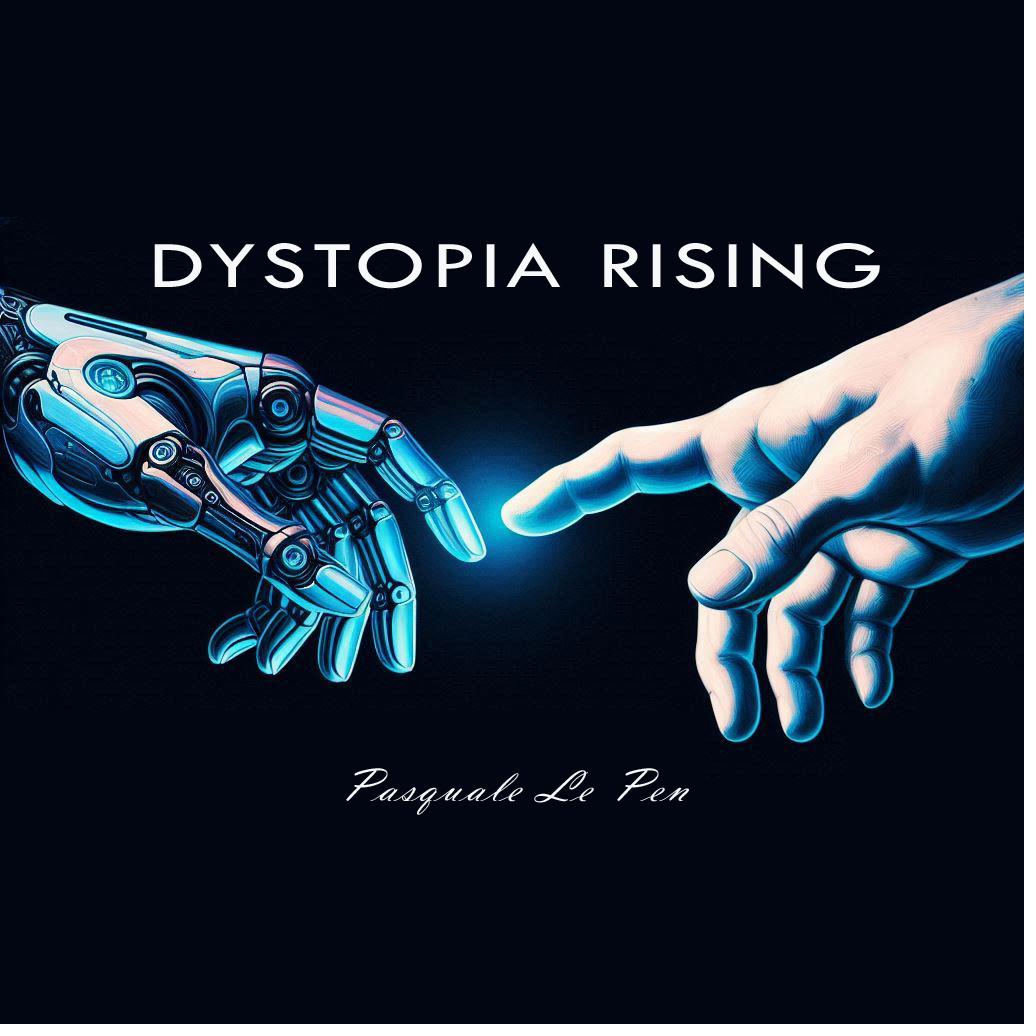
Novella · 2025 · as Pasquale Pen
Fiction about future tech, AI ethics and the direction of travel. It started as a blog post I wrote in 2017, when this was a niche worry. I used LLMs to grow that post into a book — which is the same skill as everything else on this page, pointed at fiction instead of a mailbox.
Paper and talk
What AI does to research, service design and user experience in government — written for the people who have to keep doing the work while the ground moves.
Blog · 2017
The original post. An early look at the benefits, the dangers and the ethical limits of automation. Nine years on, I would change less of it than I expected to.
I’m a AI & Innovation Lead in Research and Design Services and I facilitate our Applied AI Community of Practice.
I came to AI through human-centred design, and staff are users too: I find out what people are actually doing and what they are feeling as I develop the guide or design the tool. And I build — with LLMs, in HTML, JavaScript, Python and the Power Platform — because a working file settles an argument that a slide deck can only have.
Before this, six years at Home Affairs in knowledge management and web publishing: a ServiceNow relational database for content ownership across the enterprise, automated Power BI-style dashboards for executive reporting, and WCAG accessibility built into everything I shipped.
Bachelor of Commerce, University of Wollongong. Web accessibility techniques and testing, Vision Australia. I’m in Sydney.
If you are hiring someone to help a large organisation use AI well, I would like to talk.